Choosing between SurveyMonkey and Typeform looks simple until you actually start building surveys with them.
Both platforms let you create surveys, collect responses, use conditional logic, customize designs, and analyze results. Both also serve businesses ranging from small teams to larger organizations.
But they approach surveys very differently.
SurveyMonkey is built around research, feedback collection, and data analysis. Typeform is built around creating interactive, visually polished forms that feel more like conversations.
That difference affects almost everything.
SurveyMonkey makes more sense when the quality and depth of your research matter most. It provides advanced survey logic, a large question and template library, sophisticated analysis capabilities, benchmarking tools, and enterprise-level survey management.
Typeform takes a different route. Its signature one-question-at-a-time interface makes forms feel less intimidating and more engaging. That makes it particularly attractive for lead generation, customer onboarding, quizzes, registrations, product recommendations, and marketing campaigns.
Neither approach is automatically better.
A market research team surveying thousands of customers will probably value SurveyMonkey’s analytical capabilities more than Typeform’s presentation.
A marketing agency creating an interactive lead qualification form may feel exactly the opposite.
This SurveyMonkey vs Typeform comparison examines both platforms across interface, conditional logic, reporting, templates, integrations, security, pricing, collaboration, and real-world use cases to determine where each one performs best.
Executive Summary: SurveyMonkey vs Typeform at a Glance
If you don’t want to read the entire comparison, this table summarizes the biggest differences.
| Category | SurveyMonkey | Typeform |
|---|---|---|
| Best for | Surveys, feedback and research | Interactive forms and lead generation |
| Interface | Traditional survey builder | Conversational form builder |
| Respondent experience | Professional | Excellent |
| Ease of use | Very good | Excellent |
| Conditional logic | Advanced | Excellent |
| Survey templates | 500+ expert templates on applicable paid plans | Large visual template library |
| Question library | Excellent | Good |
| Analytics | Advanced | Good |
| Custom branding | Available on paid tiers | Strong |
| Integrations | Extensive | Extensive |
| Lead generation | Good | Excellent |
| Market research | Excellent | Good |
| Enterprise surveys | Excellent | Good |
| Free plan | Available | Available |
| Design flexibility | Good | Excellent |
| Research features | Excellent | Moderate |
| Overall strength | Survey intelligence | Respondent experience |
The easiest way to summarize the comparison is:
SurveyMonkey is better at understanding answers. Typeform is better at making people want to answer.
That distinction should guide most buying decisions.
Interface & Design Philosophy
The biggest difference between SurveyMonkey and Typeform becomes obvious within seconds of opening a survey.
Their design philosophies are almost opposites.
SurveyMonkey Interface: Traditional but Powerful
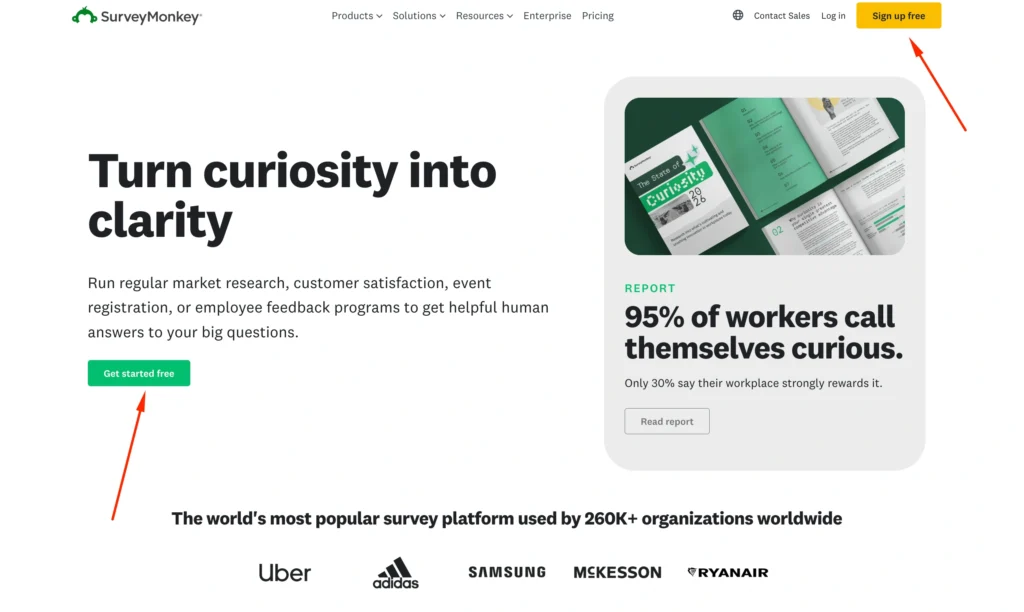
SurveyMonkey follows the traditional survey format.
Respondents generally see multiple questions arranged vertically on pages, although survey creators can control pagination and presentation.
The advantage is familiarity.
People immediately understand what they are looking at.
A SurveyMonkey questionnaire looks and behaves like a professional survey, making it particularly appropriate for:
- Market research
- Employee engagement studies
- Customer satisfaction surveys
- Academic research
- Product feedback
- Event feedback
- Training evaluations
- Customer experience programs
The survey creation interface reflects this research-first philosophy.
You can select question types, configure logic, organize pages, customize themes, preview the survey, configure collection methods, and analyze responses.
There are more controls than you will find in a simple form builder.
That means beginners may need slightly more time to understand everything.
The payoff is control.
Once your surveys become complicated, SurveyMonkey’s interface starts making considerably more sense.
Typeform Interface: Conversational by Design
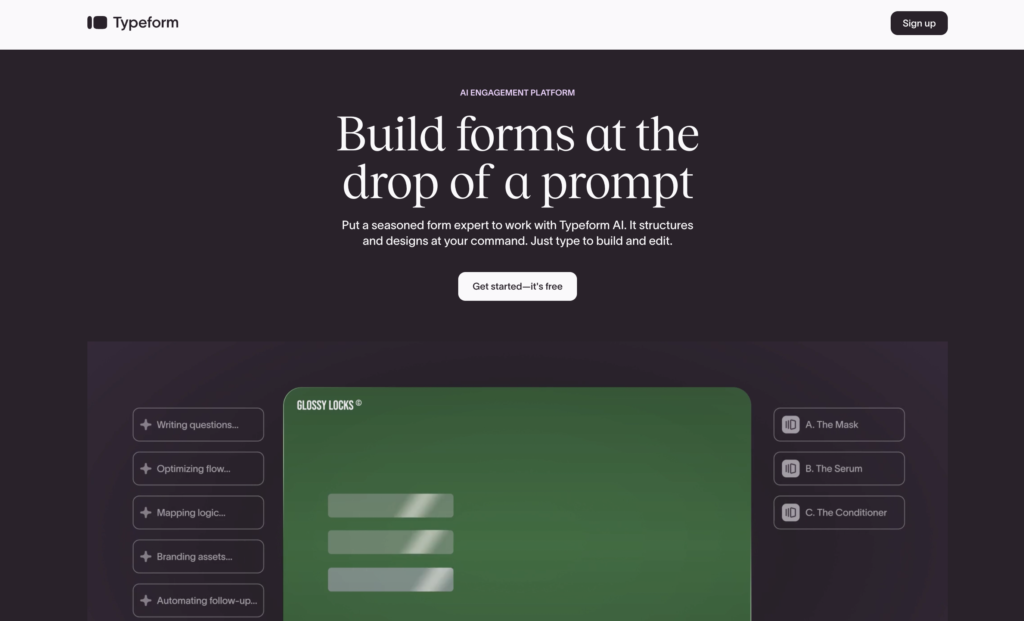
Typeform became popular partly because it challenged what an online form should look like.
Instead of displaying a long page filled with questions, Typeform typically presents one question at a time.
A respondent answers one question and moves to the next.
This seemingly small design choice changes the entire experience.
A 20-question traditional survey can visually appear long and intimidating.
A Typeform with 20 questions initially shows only one.
That makes the interaction feel closer to a conversation.
Typeform also places greater emphasis on:
- Typography
- Images
- Video
- Colors
- Backgrounds
- Transitions
- Layout
- Brand presentation
For marketing-oriented forms, this matters.
A product recommendation quiz embedded into a premium ecommerce website needs to look like part of the brand rather than an external questionnaire.
Typeform is particularly strong in these situations.
Feature-by-Feature Battle
Both platforms cover the essentials well.
The differences become much more important once you move beyond basic questionnaires.
Conditional Logic & Branching
Logic determines what happens after someone answers a question.
Suppose you ask:
“Which product are you currently using?”
A respondent selecting Product A should receive questions about Product A.
Someone selecting Product B should see a completely different set.
That requires conditional logic.
SurveyMonkey Logic
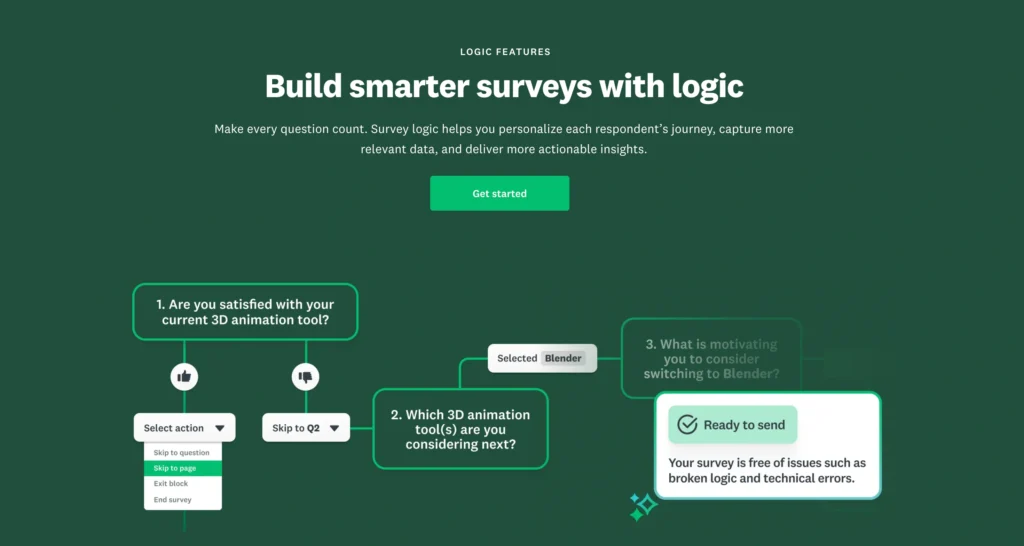
SurveyMonkey offers a sophisticated set of survey logic capabilities across its paid plans.
Depending on the subscription, functionality can include:
- Skip logic
- Advanced branching
- Question piping
- Advanced piping
- Question randomization
- Page randomization
- A/B testing
- Response quotas
These capabilities become extremely useful for serious research.
Imagine conducting a survey across five countries, four customer segments, and six products.
You may want respondents to see different questions based on:
- Country
- Age
- Customer status
- Product ownership
- Previous answers
- Satisfaction scores
SurveyMonkey is built for this type of questionnaire.
Typeform Logic
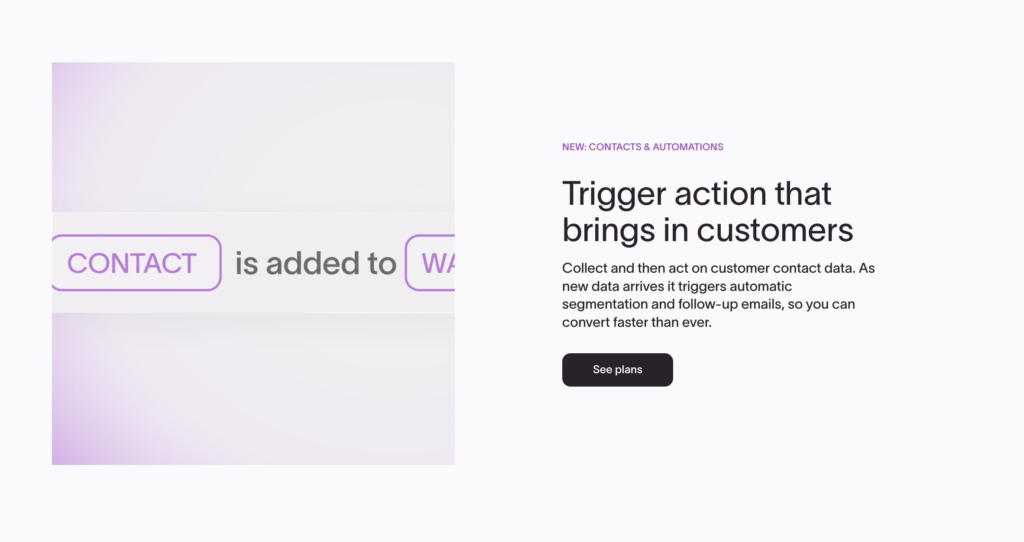
Typeform is also very capable when it comes to logic.
Its Logic features allow creators to build different respondent journeys based on answers.
This works particularly well with Typeform’s conversational interface.
For example, an agency could create a lead qualification form asking:
What service are you interested in?
If someone chooses SEO, they receive SEO-specific questions.
If they select PPC, they move into a PPC qualification flow.
Answers can eventually lead respondents toward different endings or next steps.
This makes Typeform particularly effective for:
- Lead qualification
- Product recommendations
- Interactive quizzes
- Customer onboarding
- Application forms
- Personalized questionnaires
Data Export & Reporting
This category creates a much clearer difference.
SurveyMonkey Reporting
SurveyMonkey treats analysis as a major part of the survey process.
Once responses arrive, users can examine results within the platform using tools that vary by subscription.
Depending on the plan, capabilities can include:
- Response filtering
- Data comparisons
- Crosstab reports
- Custom charts
- Data exports
- Custom reports
- Statistical analysis features
- Benchmarking capabilities
You can also export survey data into common formats for external analysis.
This is particularly useful when the questionnaire contains hundreds or thousands of responses.
Consider a customer satisfaction survey with 10,000 participants.
Knowing that the average satisfaction score is 7.8/10 isn’t enough.
You may want to know:
- How do new customers compare with long-term customers?
- Which region reports the lowest satisfaction?
- Which product receives the highest ratings?
- Are enterprise customers happier than small businesses?
- What complaints appear most frequently?
SurveyMonkey is designed around answering these types of questions.
Typeform Reporting
Typeform provides useful response management and reporting tools, but analytics isn’t the platform’s main competitive advantage.
You can view responses, examine question-level results, and send information into other applications for deeper analysis.
Typeform works particularly well when paired with tools such as:
- Google Sheets
- CRM platforms
- Automation software
- Analytics platforms
- Marketing systems
For example, a lead generation Typeform may send every qualified lead directly into a CRM.
In that situation, you don’t necessarily need sophisticated survey analysis inside Typeform.
The CRM becomes the system where the data is ultimately used.
Reporting Winner: SurveyMonkey
This is one of SurveyMonkey’s clearest victories.
SurveyMonkey is considerably stronger for analyzing survey data.
Typeform’s reporting is sufficient for many marketing workflows, but professional researchers will generally appreciate SurveyMonkey’s analytical depth.
Template Library
Templates can dramatically reduce the amount of time required to build a survey.
Both companies offer them, but the focus is different.
SurveyMonkey Templates
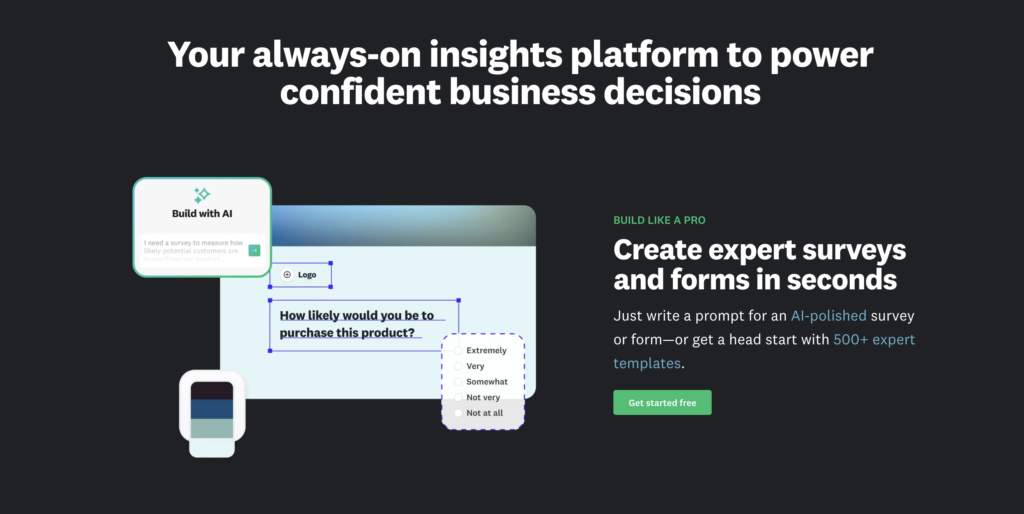
SurveyMonkey offers hundreds of professionally designed templates on eligible plans, covering categories such as:
- Customer satisfaction
- Market research
- Employee engagement
- Human resources
- Events
- Education
- Healthcare
- Product feedback
- Marketing
- Nonprofits
SurveyMonkey’s templates are primarily designed around what you want to learn.
For example, if you need to measure employee engagement, you can start with questions designed specifically for that purpose.
This can be particularly helpful for users without research experience.
Typeform Templates
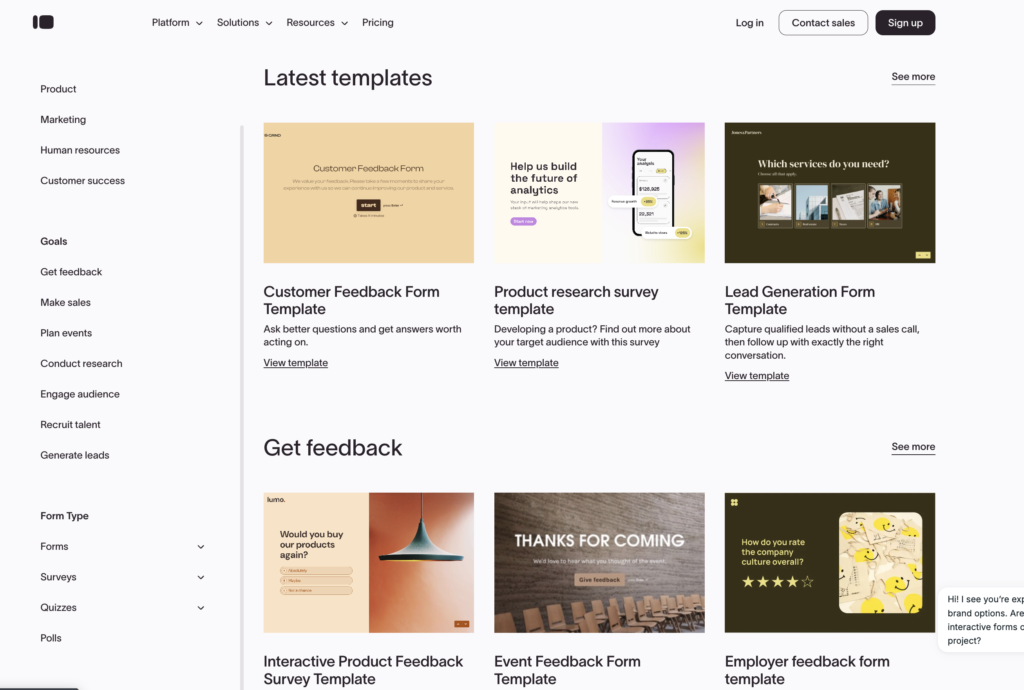
Typeform’s templates place greater emphasis on interaction and presentation.
Popular categories include:
- Lead generation
- Quizzes
- Registrations
- Feedback
- Applications
- Product recommendations
- Marketing
- Customer research
- Order forms
- Signup forms
Many templates look polished immediately.
You can customize colors, fonts, imagery, and other design elements to align them with your brand.
Higher plans provide greater control.
For corporate research, this is usually sufficient.
You can create surveys that look professional and consistent with company branding.
The result can feel much more like an interactive webpage than a traditional survey.
This is valuable when the form appears directly within a marketing funnel.
Integrations & Automation
Modern form software rarely operates independently.
Survey responses frequently need to move into other systems.
SurveyMonkey Integrations
SurveyMonkey connects with a broad ecosystem of business applications.
Depending on your plan and setup, integrations and workflows can connect survey data with platforms used for:
- CRM
- Marketing
- Collaboration
- Productivity
- Analytics
- Automation
This makes SurveyMonkey particularly useful for organizations that want feedback data integrated with existing customer or employee workflows.
Typeform Integrations
Typeform is also very strong here.
Its marketing-oriented positioning means integrations are central to many workflows.
A company might create a Typeform that:
- Captures a lead.
- Qualifies that lead.
- Sends the information to a CRM.
- Triggers an automation.
- Notifies the sales team.
- Starts an email sequence.
This turns Typeform into more than a questionnaire.
It becomes the front end of a marketing workflow.
Security & Compliance
Businesses collecting sensitive information need to look beyond visual design and question types.
SurveyMonkey Security
SurveyMonkey maintains an extensive enterprise security program.
Its security framework includes capabilities and certifications such as:
- SOC 2 Type II
- ISO 27001
- GDPR support
- Encryption in transit
- Encryption at rest
- Two-factor authentication
- Enterprise SSO
- Centralized administration
SurveyMonkey also provides HIPAA-related options for eligible Enterprise customers under appropriate contractual arrangements.
Organizations handling protected health information should confirm their exact plan, configuration, and Business Associate Agreement before collecting PHI.
Typeform Security
Typeform also maintains security and privacy controls designed for business use.
Its security documentation includes support around areas such as:
- GDPR
- Encryption
- Access controls
- Security monitoring
- Enterprise authentication
- Compliance programs
Enterprise customers can access additional security and organizational controls.
As with any SaaS platform handling sensitive data, companies should verify whether their exact Typeform plan and configuration meet industry-specific requirements.
Security Winner: SurveyMonkey
Both platforms take security seriously.
However, SurveyMonkey has the stronger positioning for regulated survey environments and enterprise research programs, particularly when organizations require survey-specific governance.
Collaboration & Team Management
SurveyMonkey
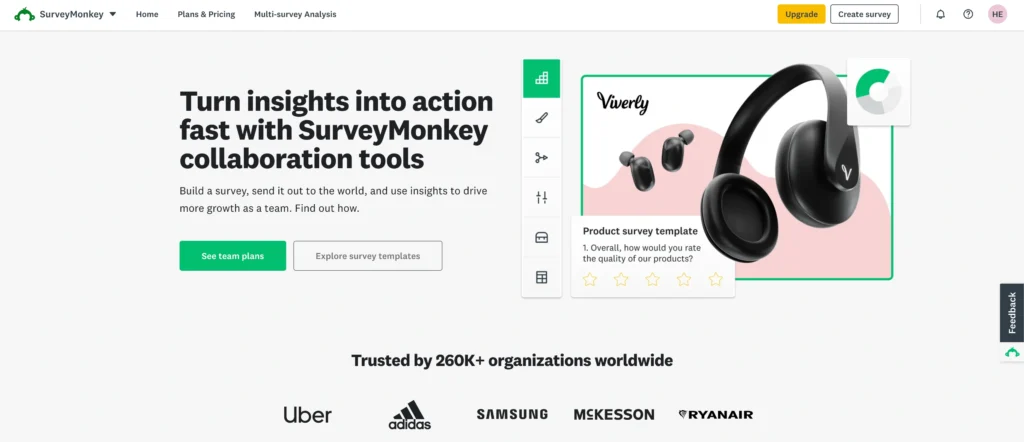
SurveyMonkey provides dedicated Team plans and Enterprise functionality.
Organizations can collaborate on surveys, share assets, manage users, and standardize survey creation.
This is particularly useful for companies where multiple departments regularly run surveys.
For example:
HR might run employee engagement surveys.
Marketing may conduct customer research.
Product teams may collect feature feedback.
Customer success may measure satisfaction.
SurveyMonkey provides an environment where these projects can be managed systematically.
Typeform
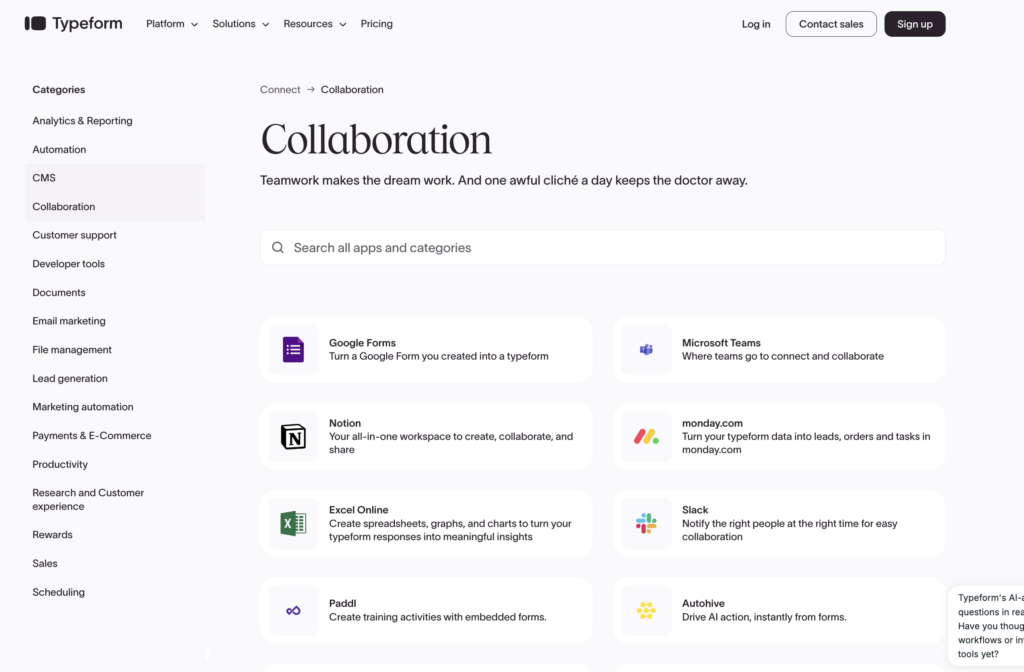
Typeform also supports collaborative workflows, particularly on business-oriented subscriptions.
Teams can work together on forms and integrate collected data into their existing systems.
The collaboration experience works especially well for:
- Marketing teams
- Growth teams
- Agencies
- Sales teams
- Product teams
Collaboration Winner: SurveyMonkey
For general teamwork, both are capable.
For large-scale survey administration, SurveyMonkey has the advantage.
Target Audience: Which Platform Is Right for You?
Different users will get very different value from these platforms.
Small Businesses
Winner: Typeform
Small businesses often care about presentation, customer experience, lead generation, and ease of use.
Typeform fits these requirements extremely well.
A small business can use it for:
- Contact forms
- Lead qualification
- Customer feedback
- Product recommendations
- Registrations
- Applications
SurveyMonkey makes more sense when the business conducts structured research regularly.
Marketing Teams
Winner: Typeform
This is Typeform’s strongest audience.
Marketing teams can use interactive forms throughout the customer journey.
Examples include:
- Lead magnets
- Interactive quizzes
- Product finders
- Consultation forms
- Customer segmentation
- Campaign surveys
The visual experience makes Typeform easier to integrate into branded marketing campaigns.
Researchers
Winner: SurveyMonkey
SurveyMonkey is the better option for serious research.
Its advantages include stronger survey methodology tools, randomization, response management, reporting, analysis, and professional templates.
HR Teams
Winner: SurveyMonkey
For employee engagement, workplace feedback, training evaluation, and organizational research, SurveyMonkey is generally the stronger choice.
Agencies
Winner: Typeform
Agencies frequently need forms that look polished for clients.
Typeform’s branding and visual customization make it particularly attractive.
Large Enterprises
Winner: SurveyMonkey
SurveyMonkey’s enterprise survey management, security, administration, collaboration, and research capabilities make it the stronger option for large-scale feedback programs.
Pricing Comparison: SurveyMonkey vs Typeform
Pricing deserves careful attention because neither platform is necessarily cheap once you move beyond basic functionality.
Both offer free access, but serious business users will probably need paid subscriptions.
SurveyMonkey Pricing
SurveyMonkey offers Basic, individual paid plans, Team plans, and Enterprise options.
| SurveyMonkey Plan | Approximate Pricing | Best For |
|---|---|---|
| Basic | Free | Testing and very small surveys |
| Standard Monthly | Around $99/month | Flexible individual use |
| Advantage Annual | Around $46/month billed annually | Regular individual surveys |
| Team Plans | Varies | Collaborative survey teams |
| Enterprise | Custom | Large organizations |
The free Basic plan is restrictive.
Paid plans unlock capabilities such as additional questions and responses, exports, survey logic, customization, and other professional features.
The important point is that SurveyMonkey pricing is designed around professional survey usage.
If your company runs only two simple forms per year, the cost may be difficult to justify.
Typeform Pricing
Typeform uses a tiered subscription structure with free and paid options.
Pricing and response limits vary by plan, billing cycle, and current package structure.
Broadly, Typeform’s plans progress from:
| Typeform Tier | Positioning |
|---|---|
| Free | Basic forms and testing |
| Entry paid plan | Individuals and smaller projects |
| Higher paid plans | Growing teams and higher response volumes |
| Business/advanced tiers | Larger marketing workflows |
| Enterprise | Custom organizational requirements |
The biggest issue to watch is response limits.
A beautiful interactive form becomes expensive if your campaign generates a very large number of submissions.
Companies expecting high traffic should calculate the effective cost per response rather than comparing subscription prices alone.
SurveyMonkey vs Typeform: Pros and Cons
SurveyMonkey Pros
- Excellent research functionality: Designed specifically around professional surveys.
- Advanced analytics: Strong reporting and response analysis.
- Sophisticated logic: Excellent for complex questionnaires.
- Large template library: Hundreds of expert survey templates on eligible plans.
- Strong enterprise capabilities: Suitable for large organizations.
- Better research methodology tools: Randomization and related features improve sophisticated survey design.
- Good security framework: Strong enterprise and compliance capabilities.
SurveyMonkey Cons
- Can be expensive: Professional features quickly push users toward paid plans.
- Free plan is restrictive: It works better as an introduction than a long-term business solution.
- Less visually impressive: Surveys can look professional without matching Typeform’s interactive presentation.
- Learning curve: Advanced survey features require some experience.
Typeform Pros
- Excellent respondent experience: The conversational format feels modern.
- Beautiful design: One of the strongest form builders for presentation.
- Great for lead generation: Excellent fit for marketing funnels.
- Strong conditional logic: Personalized journeys are easy to create.
- Good integrations: Works well with marketing and CRM workflows.
- Easy to use: The builder remains approachable despite offering advanced features.
- Excellent branding: Forms can feel like a natural extension of your website.
Typeform Cons
- Response limits can become expensive: High-volume campaigns require careful cost analysis.
- Less advanced research analysis: SurveyMonkey goes deeper.
- Not primarily a research platform: Serious researchers may find its methodology features limiting.
- One-question presentation isn’t always ideal: Some respondents prefer seeing multiple questions together.
SurveyMonkey vs Typeform: Which Is Better by Use Case?
| Use Case | Better Choice |
|---|---|
| Customer satisfaction survey | SurveyMonkey |
| Market research | SurveyMonkey |
| Employee engagement | SurveyMonkey |
| Lead generation | Typeform |
| Interactive quiz | Typeform |
| Product recommendation quiz | Typeform |
| Academic research | SurveyMonkey |
| Event registration | Typeform |
| Branded website form | Typeform |
| Complex survey logic | SurveyMonkey |
| Survey analytics | SurveyMonkey |
| Customer onboarding | Typeform |
| Large research project | SurveyMonkey |
| Marketing campaign | Typeform |
| Enterprise feedback program | SurveyMonkey |
| Visually engaging questionnaire | Typeform |
Is SurveyMonkey Better Than Typeform?
For traditional surveys and research, yes, SurveyMonkey is generally better.
It provides deeper survey functionality, stronger reporting, advanced research tools, and better support for large-scale feedback programs.
But that doesn’t automatically make it the better product.
If your primary objective is conversion rather than research, Typeform can be the smarter choice.
A marketing team doesn’t necessarily need advanced crosstab analysis.
It may care more about whether 15% or 25% of visitors actually finish the form.
That is why comparing these products solely by the number of features misses the point.
Final Recommendation: SurveyMonkey or Typeform?
Both products are excellent, but they solve slightly different problems.
Choose SurveyMonkey If…
Choose SurveyMonkey if you:
- Conduct professional market research.
- Run customer satisfaction programs.
- Need sophisticated survey logic.
- Want advanced reporting and analysis.
- Conduct employee engagement studies.
- Need research-oriented templates.
- Manage surveys across large teams.
- Need enterprise administration.
- Collect large datasets for analysis.
- Care more about research depth than visual presentation.
SurveyMonkey is the more appropriate choice when surveys are an important source of business intelligence.
Choose Typeform If…
Choose Typeform if you:
- Generate leads through forms.
- Want beautiful customer-facing surveys.
- Create interactive quizzes.
- Build product recommendation tools.
- Need personalized respondent journeys.
- Care heavily about branding.
- Run marketing campaigns.
- Want forms embedded naturally into your website.
- Prefer conversational surveys.
- Prioritize user experience.
Typeform is particularly attractive for marketers, agencies, startups, and customer-facing teams.
Final Verdict
The SurveyMonkey vs Typeform decision comes down to one fundamental question:
Are you optimizing for research or engagement?
SurveyMonkey focuses on what happens after someone answers.
Typeform focuses heavily on what happens while someone is answering.
That gives each platform a very different strength.
| Category | Winner |
|---|---|
| Ease of Use | Typeform |
| Visual Design | Typeform |
| Respondent Experience | Typeform |
| Survey Logic | SurveyMonkey |
| Research Features | SurveyMonkey |
| Reporting & Analytics | SurveyMonkey |
| Professional Templates | SurveyMonkey |
| Marketing Forms | Typeform |
| Lead Generation | Typeform |
| Branding | Typeform |
| Market Research | SurveyMonkey |
| Employee Research | SurveyMonkey |
| Enterprise Surveys | SurveyMonkey |
| Interactive Quizzes | Typeform |
| Large-Scale Feedback Programs | SurveyMonkey |
For researchers, HR teams, customer experience departments, and enterprises, SurveyMonkey is the stronger overall survey platform.
For marketers, agencies, startups, lead-generation teams, and brands that care heavily about the respondent experience, Typeform is the better fit.
Neither wins every category.
And that is exactly why both remain relevant.
Choose SurveyMonkey when the quality and analysis of your data matter most. Choose Typeform when getting people to engage with the questions is just as important as the answers themselves.