SurveyMonkey is one of the most recognizable names in online surveys. It works well for everything from quick customer feedback forms to employee surveys and more structured market research. But being well known does not automatically make it the best survey platform for every user.
Pricing can become a concern as your needs grow. Some users want more design flexibility. Others need stronger conditional logic, better forms, more generous free plans, advanced research capabilities, or tighter integration with the software they already use.
The good news is that the survey software market has plenty of strong options.
Some SurveyMonkey alternatives focus on simplicity. Some turn surveys into conversational experiences. Others combine surveys, forms, payments, workflows, and data collection in a single platform. At the enterprise end, there are sophisticated experience-management platforms designed for large-scale customer and employee research.
This guide compares 10 of the best SurveyMonkey alternatives, including Google Forms, Typeform, Jotform, Qualtrics, Zoho Survey, Microsoft Forms, Alchemer, QuestionPro, SurveySparrow, and Tally.
We will look at what each platform does best, where it falls short, and which type of user should choose it.
SurveyMonkey Alternatives: Quick Comparison
Before examining each platform individually, here is the big picture.
| Survey Tool | Best For | Free Option | Advanced Logic | Design Flexibility | Ease of Use |
|---|---|---|---|---|---|
| Google Forms | Simple free surveys | Yes | Basic | Limited | Excellent |
| Typeform | Interactive surveys | Yes | Strong | Excellent | Excellent |
| Jotform | Forms and workflows | Yes | Strong | Excellent | Excellent |
| Qualtrics | Enterprise research | Limited options | Excellent | Strong | Moderate |
| Zoho Survey | Small businesses | Yes | Good | Good | Very Good |
| Microsoft Forms | Microsoft 365 users | Depends on account | Basic/Moderate | Limited | Excellent |
| Alchemer | Advanced business surveys | Limited/trial-dependent | Excellent | Strong | Moderate |
| QuestionPro | Research and analytics | Yes | Strong | Good | Good |
| SurveySparrow | Conversational surveys | Yes | Strong | Excellent | Very Good |
| Tally | Simple modern forms | Yes | Good | Good | Excellent |
Quick takeaway: There is no universal SurveyMonkey replacement. Google Forms is excellent for straightforward free surveys, Typeform excels at presentation, Jotform is stronger for form-driven workflows, while Qualtrics targets much more sophisticated research requirements.
Why Look for a SurveyMonkey Alternative?
SurveyMonkey covers a wide range of use cases, which is one reason it remains popular. However, its broad approach also means specialized competitors can outperform it in particular areas.
Pricing
Survey requirements often start small.
You may initially need a ten-question customer survey. Six months later, you could be collecting thousands of responses, creating multiple surveys, collaborating with a team, and exporting data regularly.
At that stage, plan limitations matter much more.
Platforms such as Google Forms and Tally can be particularly attractive when your primary goal is collecting relatively straightforward responses without paying for a large research platform.
Better Survey Design
Traditional surveys tend to display questions in a familiar form-style layout.
That works, but it is not always the most engaging experience.
Typeform and SurveySparrow take a more conversational approach. They can make a questionnaire feel closer to an interactive conversation than a conventional research form.
This can be useful for:
- Lead generation
- Customer onboarding
- Website questionnaires
- Product recommendations
- Event registrations
- Customer satisfaction surveys
More Than Surveys
Sometimes you do not actually need dedicated survey software.
You need a data-collection platform.
For example, you might want respondents to:
- Answer questions.
- Upload a document.
- Select a service.
- Enter payment information.
- Receive a customized confirmation.
- Trigger another business process.
Jotform is particularly strong in this area because its capabilities extend considerably beyond traditional questionnaires.
Advanced Research Requirements
The opposite problem also exists.
SurveyMonkey may not be sophisticated enough for some research departments and large organizations.
Organizations running complex customer experience programs, academic research, employee experience projects, or large market-research studies may require much deeper analytics and research capabilities.
That is where platforms such as Qualtrics and QuestionPro become interesting.
1. Google Forms: Best Free SurveyMonkey Alternative
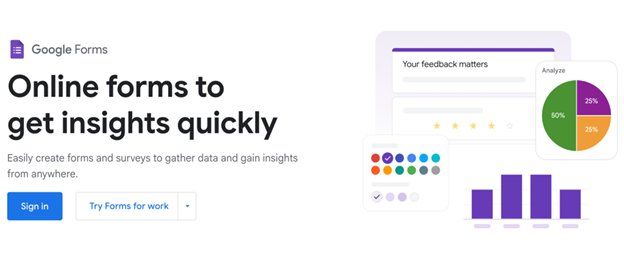
For users who simply need to ask questions and collect answers, Google Forms remains one of the easiest places to start.
Its biggest advantage is simplicity.
You can create a form, add questions, share the link, and begin receiving responses without learning a complicated survey platform.
What Google Forms Does Well
Google Forms supports the common question formats most general users require, including:
- Multiple choice
- Checkboxes
- Dropdown questions
- Short answers
- Paragraph responses
- Linear scales
- Multiple-choice grids
- Checkbox grids
- Dates and times
- File uploads in supported scenarios
Responses can also be connected with Google Sheets, making the platform especially convenient for people already working within Google’s productivity ecosystem.
Where Google Forms Beats SurveyMonkey
The biggest advantage is accessibility and simplicity.
If you need to survey 100 customers about a recent event, you may not need sophisticated survey software at all.
Google Forms lets you build something usable very quickly.
Collaboration is another advantage. Multiple people can work on a form using an experience familiar to anyone who regularly uses Google Docs or Sheets.
Where It Falls Short
Design customization is relatively basic.
You can adjust colors, imagery, and certain visual elements, but you cannot create the same highly customized respondent experiences available from design-oriented competitors.
Its survey logic and research capabilities are also relatively limited compared with professional research platforms.
Best For
Choose Google Forms if you are:
- A student
- A teacher
- A freelancer
- Running an informal poll
- Collecting basic customer feedback
- Organizing an event
- Conducting straightforward internal research
Pro Tip: Connect responses to Google Sheets if you expect to manipulate, categorize, calculate, or visualize the collected data later.
2. Typeform: Best for Beautiful and Interactive Surveys
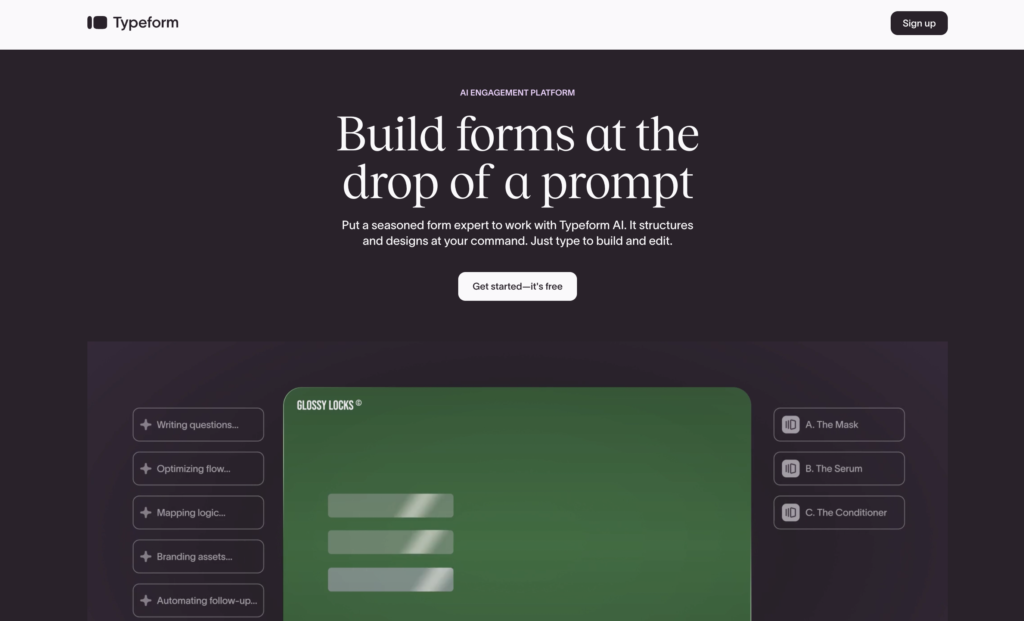
Typeform takes a noticeably different approach to online surveys.
Instead of making respondents feel as though they are completing a long questionnaire, Typeform emphasizes a highly interactive, one-step-at-a-time experience.
That makes it especially appealing when respondent experience matters.
The Typeform Experience
Imagine a traditional customer questionnaire containing 15 questions.
Seeing all those questions on one screen can immediately make the survey feel like work.
Typeform can present them progressively.
A respondent answers one question, moves forward, answers another, and continues through a cleaner interface.
The experience can feel significantly less intimidating.
Key Features
Depending on the plan and configuration, Typeform offers capabilities such as:
- Logic and branching
- Custom branding
- Templates
- Multimedia
- Calculations
- Integrations
- Lead-generation forms
- Quizzes
- Feedback forms
- Contact forms
Typeform vs SurveyMonkey
SurveyMonkey feels more like traditional survey software.
Typeform feels more like an interactive experience builder.
That distinction should guide your decision.
If you are conducting structured research and care primarily about collecting and analyzing survey data, SurveyMonkey’s traditional approach may feel more natural.
If you are asking prospective customers questions on a landing page, Typeform can be much more attractive.
Best For
Typeform is particularly good for:
- Marketing teams
- Startups
- Lead generation
- Product feedback
- Customer onboarding
- Interactive quizzes
- Website surveys
Pro Tip: Do not choose Typeform purely because it looks attractive. If respondents need to compare several questions simultaneously, a one-question-at-a-time interface can actually make the survey less convenient.
3. Jotform: Best SurveyMonkey Alternative for Forms and Workflows
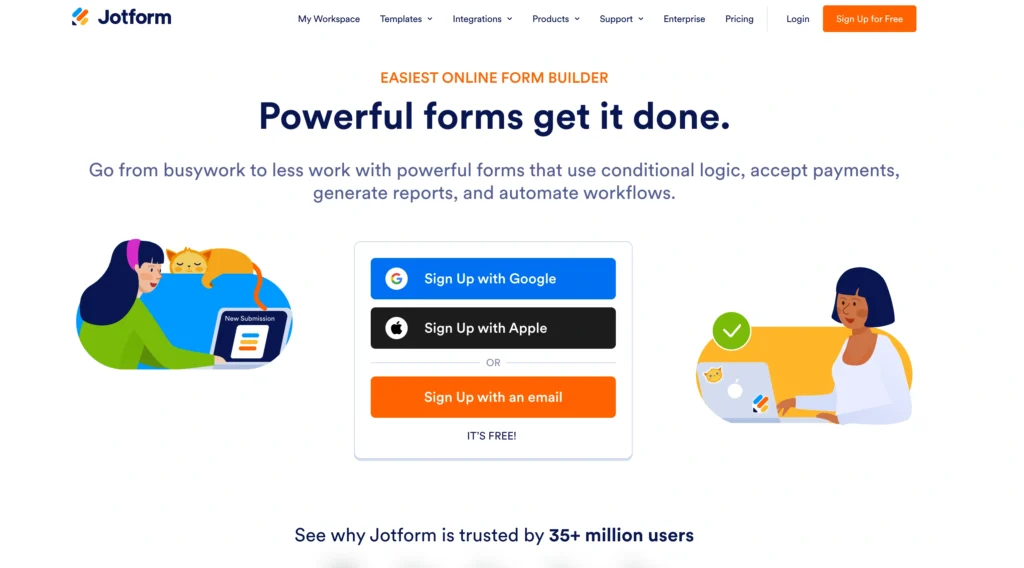
Jotform is one of the strongest choices if your requirements extend beyond surveys.
It can handle questionnaires, but its real strength comes from its broader form-building ecosystem.
More Than a Survey Builder
You can use Jotform for:
- Registration forms
- Order forms
- Application forms
- Contact forms
- Feedback surveys
- Appointment requests
- File collection
- Payment forms
- Consent forms
- Internal workflows
This makes Jotform especially useful for businesses that want one tool for several data-collection processes.
Form Customization
Jotform offers a large template ecosystem and considerable control over form structure.
For someone who does not want to design everything from scratch, this is valuable.
You can find a relevant template, customize the questions and branding, configure your workflow, and publish it.
Conditional Logic
Conditional logic becomes useful when different respondents should see different questions.
Suppose you ask:
Did you purchase our product?
If the respondent selects “Yes,” you could display questions about their purchase.
If they select “No,” you could ask why they decided against purchasing.
This makes forms shorter and more relevant.
Jotform vs SurveyMonkey
Choose SurveyMonkey when surveys and survey analysis are your primary requirements.
Choose Jotform when the survey is only one component of a larger process.
Pro Tip: Before paying for a dedicated survey platform, list everything you want respondents to do. If the list includes uploads, registrations, approvals, signatures, payments, or workflow automation, investigate Jotform carefully.
4. Qualtrics: Best for Enterprise Research

Qualtrics belongs in a different category from simple survey builders.
It is designed for organizations that need sophisticated research and experience-management capabilities rather than occasional questionnaires.
What Makes Qualtrics Different?
Qualtrics can support sophisticated programs around areas such as:
- Customer experience
- Employee experience
- Market research
- Product research
- Brand research
- Academic research
Large organizations can use surveys as one part of a much broader feedback and analytics system.
Advanced Research Capabilities
This is where Qualtrics becomes significantly more powerful than basic form builders.
Depending on the product and configuration, researchers can work with advanced logic, sophisticated survey structures, segmentation, analytics, and experience-management workflows.
However, additional capability comes with additional complexity.
A small business owner wanting a five-question satisfaction survey probably does not need a platform this extensive.
Qualtrics vs SurveyMonkey
Think about the distinction this way:
SurveyMonkey: Accessible survey creation for a broad range of users.
Qualtrics: Sophisticated research and experience management for organizations with more demanding requirements.
Best For
Qualtrics makes the most sense for:
- Enterprises
- Universities
- Research teams
- Customer experience departments
- HR research
- Professional market researchers
Pro Tip: Do not evaluate enterprise survey software based solely on the number of features. Consider implementation, training, administration, integrations, reporting requirements, and the number of people who actually need those advanced capabilities.
5. Zoho Survey: Best for Small Businesses Using Zoho
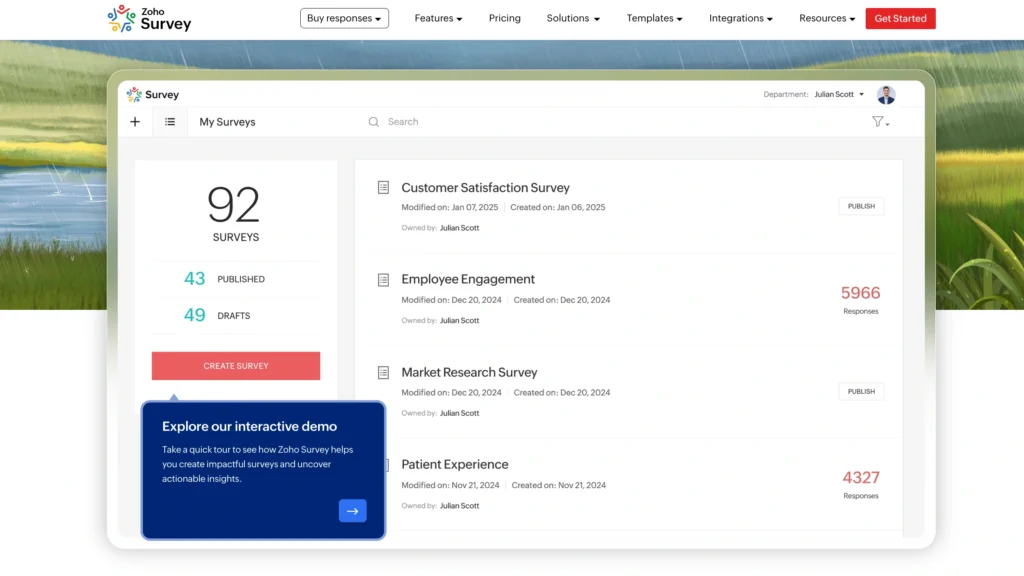
Zoho Survey deserves consideration from businesses already operating inside the wider Zoho ecosystem.
It offers a middle ground between very basic free tools and expensive enterprise research software.
Core Capabilities
Zoho Survey supports common survey requirements such as:
- Multiple question types
- Survey templates
- Logic
- Customization
- Response collection
- Reporting
- Integrations
The interface is approachable enough for general business users without stripping away every advanced capability.
Why Zoho Users Should Consider It
Software ecosystems matter more than people sometimes realize.
A survey rarely exists in isolation.
Customer feedback may eventually need to reach your CRM. Lead information might need to reach your sales team. Survey responses may need to be combined with other customer records.
Using tools within the same ecosystem can simplify these processes.
Best For
Zoho Survey is worth considering for:
- Small businesses
- Zoho customers
- Sales teams
- Marketing departments
- Customer feedback programs
Pro Tip: Evaluate survey software based on what happens after someone submits the survey. Integration can save far more time than a slightly better survey editor.
6. Microsoft Forms: Best for Microsoft 365 Users
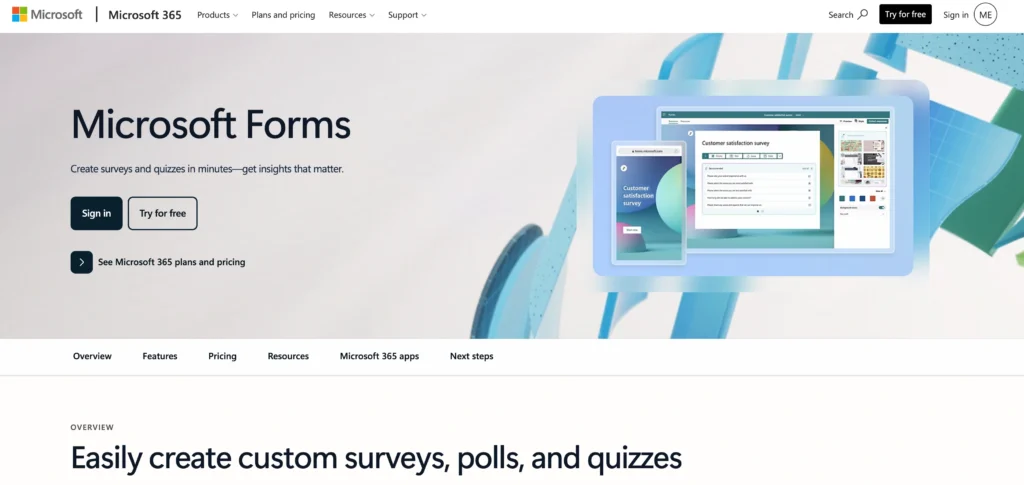
Microsoft Forms follows a philosophy similar to Google Forms: make basic form and survey creation easy for everyday users.
It becomes especially convenient inside organizations already standardized around Microsoft 365.
Why It Works
Microsoft Forms can handle:
- Surveys
- Polls
- Quizzes
- Feedback forms
- Internal questionnaires
The interface is intentionally straightforward.
That makes it a good option when dozens or hundreds of employees need to create basic surveys without extensive training.
Where Microsoft Forms Shines
Its strongest use cases are often internal.
Imagine a company already using Microsoft Teams, Excel, Outlook, and other Microsoft services.
Introducing another standalone survey application may create unnecessary complexity if employees only need basic questionnaires.
Microsoft Forms can fit naturally into that environment.
Limitations
Users requiring sophisticated research methodologies, deep customization, complex logic, or highly branded public surveys may find it restrictive.
Best For
Choose Microsoft Forms for:
- Internal company surveys
- Employee polls
- Training quizzes
- Event feedback
- Microsoft-centric organizations
Pro Tip: If most of your surveys are internal, ask whether you actually need standalone survey software before purchasing another subscription.
7. Alchemer: Best for Advanced Survey Workflows
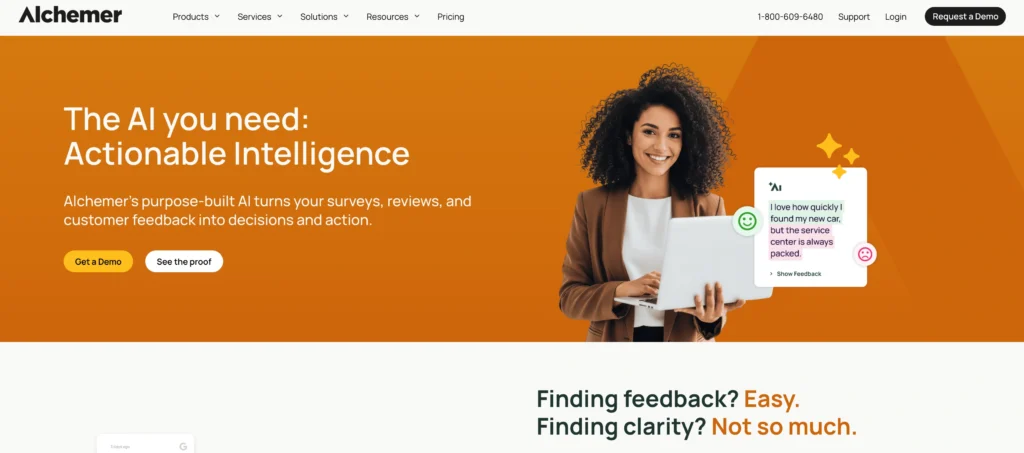
Alchemer is aimed at organizations that need more control over data collection and survey workflows than a basic questionnaire tool provides.
It sits closer to the professional end of the market.
Why Consider Alchemer?
Its appeal comes from combining survey creation with advanced logic, integrations, automation, and business workflows.
This can matter when feedback needs to trigger action rather than simply appear in a report.
For example, a poor customer satisfaction score could potentially become part of a process that alerts the appropriate team for follow-up.
Alchemer vs SurveyMonkey
SurveyMonkey is easier to recommend to general users because of its familiarity and relatively approachable workflow.
Alchemer becomes interesting when your survey requirements become operationally complicated.
Best For
Consider Alchemer if you need:
- Complex surveys
- Business workflows
- Advanced integrations
- Detailed logic
- Customer feedback programs
Pro Tip: Draw your desired survey workflow on paper before comparing advanced platforms. Include what happens before, during, and after submission. It makes feature comparison much easier.
8. QuestionPro: Best for Research-Focused Users

QuestionPro is another serious SurveyMonkey competitor, particularly for organizations conducting structured research.
Its offering extends across surveys, research, customer experience, and related feedback requirements.
Survey Capabilities
QuestionPro supports a broad range of survey features, including advanced question types, logic, distribution, reporting, and research-oriented functionality.
That makes it suitable for more demanding projects than a simple poll.
When QuestionPro Makes Sense
Suppose your organization runs recurring studies across different customer groups.
You may need:
- Detailed segmentation
- Complex questionnaires
- Advanced reports
- Research controls
- Multiple distribution methods
A research-oriented platform starts becoming more valuable as those requirements increase.
Best For
QuestionPro is a good fit for:
- Researchers
- Universities
- Marketing research
- Customer experience teams
- Organizations running recurring surveys
Pro Tip: Run the same small research project through two shortlisted platforms before committing. Building and analyzing a real survey reveals usability problems that feature comparison pages rarely show.
9. SurveySparrow: Best for Conversational Surveys
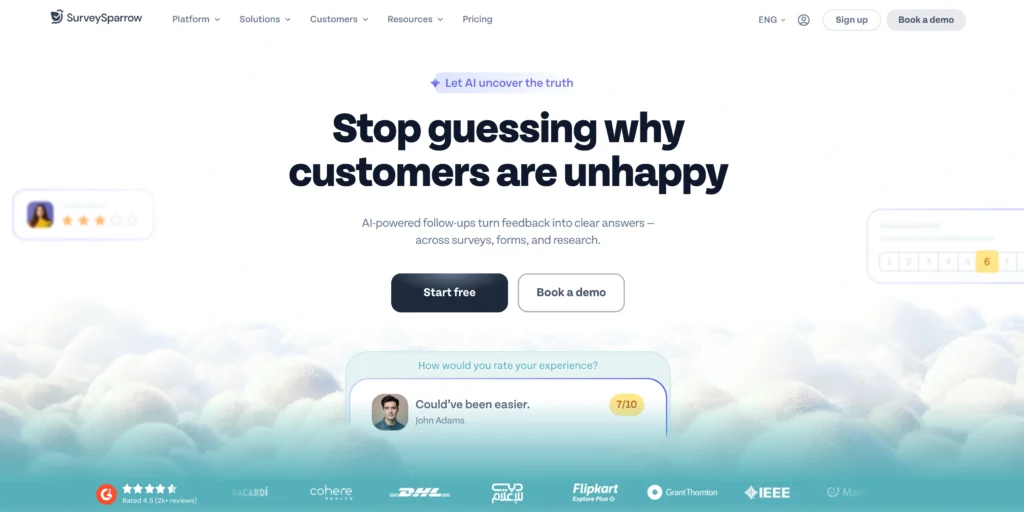
SurveySparrow focuses heavily on making surveys feel more engaging.
Like Typeform, it is particularly attractive to businesses concerned about the respondent experience.
Conversational Approach
Traditional survey:
How satisfied are you?
[1] [2] [3] [4] [5]
Conversational platforms try to make the interaction feel less clinical and more natural.
This approach can work particularly well for customer experience surveys, employee feedback, and recurring questionnaires.
Key Use Cases
SurveySparrow can be considered for:
- NPS surveys
- Customer satisfaction
- Employee feedback
- Market research
- Website feedback
- Conversational surveys
SurveySparrow vs SurveyMonkey
SurveyMonkey remains the more recognizable traditional survey platform.
SurveySparrow differentiates itself through the survey-taking experience and customer/employee feedback use cases.
Best For
SurveySparrow makes sense for organizations that want feedback collection to feel less like completing a conventional form.
Pro Tip: Test the entire questionnaire on a smartphone. A survey that looks excellent on a desktop can still become frustrating when completed with one thumb on a small screen.
10. Tally: Best for Simple, Modern Forms
Tally has become an interesting alternative for users who value simplicity.
Its form-building experience is intentionally lightweight and modern.
Instead of presenting users with an overwhelming survey application, it makes creating a form feel closer to working inside a simple document editor.
Why People Like Tally
Tally works particularly well when speed matters.
You can create:
- Feedback forms
- Registration forms
- Surveys
- Contact forms
- Lead forms
- Applications
- Questionnaires
without spending much time learning the platform.
Tally vs SurveyMonkey
SurveyMonkey has significantly deeper roots in dedicated survey creation and research.
Tally’s attraction is different.
It is for people thinking:
“I just need a clean form that works.”
For many freelancers, creators, startups, and small teams, that can be enough.
Best For
Tally is particularly attractive for:
- Freelancers
- Creators
- Startups
- Small teams
- Simple customer surveys
- Lead collection
Pro Tip: Do not automatically equate more features with better software. If your survey needs are straightforward, a lightweight platform can save considerable setup and training time.
Which SurveyMonkey Alternative Should You Choose?
The easiest way to choose is to start with your actual objective rather than comparing hundreds of individual features.
| Your Main Requirement | Recommended Option |
|---|---|
| Free everyday surveys | Google Forms |
| Beautiful interactive surveys | Typeform |
| Forms + business workflows | Jotform |
| Enterprise research | Qualtrics |
| Zoho ecosystem | Zoho Survey |
| Microsoft ecosystem | Microsoft Forms |
| Advanced workflows | Alchemer |
| Research-oriented surveys | QuestionPro |
| Conversational feedback | SurveySparrow |
| Simple modern forms | Tally |
How to Choose the Right Survey Tool
Before signing up for anything, evaluate these five areas.
1. Define What You Are Collecting
There is a major difference between collecting 50 event RSVPs and conducting a 5,000-person customer research project.
Ask yourself:
- How many responses do I expect?
- How many surveys will I create?
- Do respondents need to upload files?
- Do I need anonymous responses?
- Will I conduct recurring surveys?
- Do I need sophisticated research questions?
These answers immediately eliminate many unsuitable platforms.
2. Determine How Much Logic You Need
Basic surveys follow the same path for everyone.
Advanced surveys adapt.
For example:
Question: Are you currently a customer?
Yes → Show customer satisfaction questions.
No → Ask why they have not purchased.
This type of branching can dramatically improve relevance.
If your questionnaire has many possible paths, prioritize platforms with strong conditional logic.
3. Think About Reporting Before Collecting Data
A common mistake is designing the entire survey before thinking about analysis.
Suppose you ask:
“Tell us what you think about our product.”
You might receive 3,000 paragraphs.
Analyzing those answers can be considerably harder than analyzing structured ratings.
Instead, you might ask:
How would you rate the product from 1 to 10?
Then add:
What is the main reason for your score?
Now you have quantitative and qualitative data.
Pro Tip: Build your reporting plan before finalizing the questionnaire. Every question should have a reason for existing.
4. Test the Mobile Experience
A large percentage of respondents may open your survey from a phone.
Avoid:
- Huge matrix questions
- Extremely long answer choices
- Unnecessary text
- Tiny buttons
- Complicated navigation
Complete the entire survey yourself on a smartphone before publishing it.
5. Calculate the Real Cost
Do not compare platforms only by their advertised starting prices.
Check limits involving:
- Number of responses
- Number of users
- Surveys
- Questions
- Logic
- Branding
- Integrations
- Exports
- File storage
- Advanced analytics
A cheaper plan with restrictive limits may cost more once your survey volume increases.
Best Practices for Creating Better Surveys
Choosing the right SurveyMonkey alternative is only half the job. A badly designed questionnaire will produce weak data regardless of the software behind it.
Keep Surveys Focused
Every additional question creates another opportunity for the respondent to leave.
Remove questions that do not contribute directly to your research objective.
If you cannot explain what you will do with an answer, consider removing the question.
Avoid Leading Questions
Bad:
“How much did you enjoy our excellent customer service?”
The wording already assumes the service was excellent.
Better:
“How would you rate your experience with our customer service?”
Neutral wording produces more trustworthy responses.
Use Matrix Questions Carefully
Matrix questions can efficiently collect several ratings.
For example:
| Feature | Poor | Fair | Good | Excellent |
|---|---|---|---|---|
| Customer support | ○ | ○ | ○ | ○ |
| Pricing | ○ | ○ | ○ | ○ |
| Ease of use | ○ | ○ | ○ | ○ |
However, large matrices become painful on mobile devices.
Keep them short.
Use Logic to Reduce Irrelevant Questions
A respondent who has never contacted customer support should not have to rate customer support.
Ask whether they used it first.
Then display the rating question only when relevant.
Test Before Launching
Ask several people to complete your survey.
Watch for:
- Confusing wording
- Broken logic
- Missing answer choices
- Mobile problems
- Repetitive questions
- Unexpected survey paths
Pro Tip: Ask testers to explain what they think each question means. Their interpretation may be very different from yours.
Common Mistakes When Switching from SurveyMonkey
Choosing Based Only on Price
Free software can be excellent, but price should not be the only criterion.
A free platform that cannot perform the logic, exports, integrations, or reporting you need is not actually saving money.
Ignoring Response Limits
Always understand how the platform counts responses and what happens when you exceed the allowance associated with your plan.
Overusing Advanced Features
Logic, piping, calculations, and branching can make surveys smarter.
They can also create complicated questionnaires that are difficult to troubleshoot.
Use advanced features when they improve the respondent experience or data quality, not simply because they exist.
Forgetting Integrations
Your survey data probably needs to go somewhere.
That could be:
- Google Sheets
- Excel
- A CRM
- An email marketing system
- A customer support platform
- A data visualization tool
- An automation platform
Check those connections before choosing your software.
FAQs About SurveyMonkey Alternatives
1. What Is the Best Free Alternative to SurveyMonkey?
Google Forms is one of the best choices for general users who need straightforward surveys without advanced research functionality. Tally is another attractive option for users wanting a more modern form-building experience.
2. Is Google Forms Better Than SurveyMonkey?
For basic surveys, Google Forms may be all you need.
SurveyMonkey becomes more attractive when you need dedicated survey functionality, stronger research tools, more sophisticated questionnaire capabilities, or professional survey workflows.
3. What Is Better, Typeform or SurveyMonkey?
Choose Typeform when presentation and respondent experience are priorities.
Choose SurveyMonkey when you prefer a more traditional survey and research environment.
4. What Is the Best SurveyMonkey Alternative for Businesses?
Jotform is a strong choice for general business data collection, particularly when forms need to support processes beyond surveys.
Larger organizations with sophisticated research requirements should also evaluate Qualtrics, QuestionPro, and Alchemer.
5. Which Alternative Is Best for Students?
Google Forms is difficult to beat for straightforward student projects because it is easy to learn and integrates naturally with Google Sheets.
Students conducting more advanced academic research may need a dedicated research platform.
6. Which Survey Tool Has the Best Design?
Typeform is one of the strongest choices when visual presentation and interactive survey experiences are priorities.
SurveySparrow is another option worth considering for conversational questionnaires.
7. Which Alternative Is Best for Enterprise Surveys?
Qualtrics is among the strongest options for sophisticated enterprise research and experience-management requirements.
The additional capabilities may be unnecessary for smaller organizations.
8. Can I Create Anonymous Surveys Without SurveyMonkey?
Yes.
Many competing survey platforms support anonymous or privacy-conscious data collection in some form. However, the exact behavior depends on platform settings and how you distribute the survey.
Always verify the privacy configuration before collecting sensitive feedback.
9. Can SurveyMonkey Alternatives Export to Excel?
Many professional survey platforms offer spreadsheet or data-export functionality, although supported formats and export availability can vary by plan.
Check this carefully if Excel analysis is part of your workflow.
10. Which SurveyMonkey Alternative Is Easiest to Use?
For straightforward questionnaires, Google Forms, Microsoft Forms, and Tally are among the easiest options.
Typeform is also approachable, particularly for users building visually engaging surveys.
Final Verdict: What Is the Best SurveyMonkey Alternative?
There is no single replacement that beats SurveyMonkey in every category.
The right choice depends on why you are considering leaving SurveyMonkey in the first place.
If you want something simple and free, start with Google Forms.
If presentation matters and you want a more interactive experience, Typeform is one of the strongest alternatives.
If you need surveys combined with registrations, applications, payments, uploads, and business workflows, Jotform deserves serious consideration.
Businesses already operating heavily inside Zoho or Microsoft ecosystems should evaluate Zoho Survey and Microsoft Forms respectively before adding another standalone application.
For conversational customer and employee feedback, SurveySparrow provides an interesting alternative, while Tally is appealing to users who value simplicity and modern form creation.
Research teams with more sophisticated requirements should move toward platforms such as QuestionPro or Alchemer.
At the enterprise level, Qualtrics is the option to investigate when surveys are part of a much larger customer, employee, or market-research program.
The key is not finding the survey platform with the longest feature list.
It is finding the one that matches your survey complexity, response volume, budget, integrations, reporting requirements, and the experience you want to give respondents.
For many users, SurveyMonkey remains perfectly capable. But if pricing, design, workflow flexibility, simplicity, or advanced research requirements are pushing you elsewhere, there are now enough strong SurveyMonkey alternatives to find a platform that fits your needs much more closely.